Inventory
SIM Audit
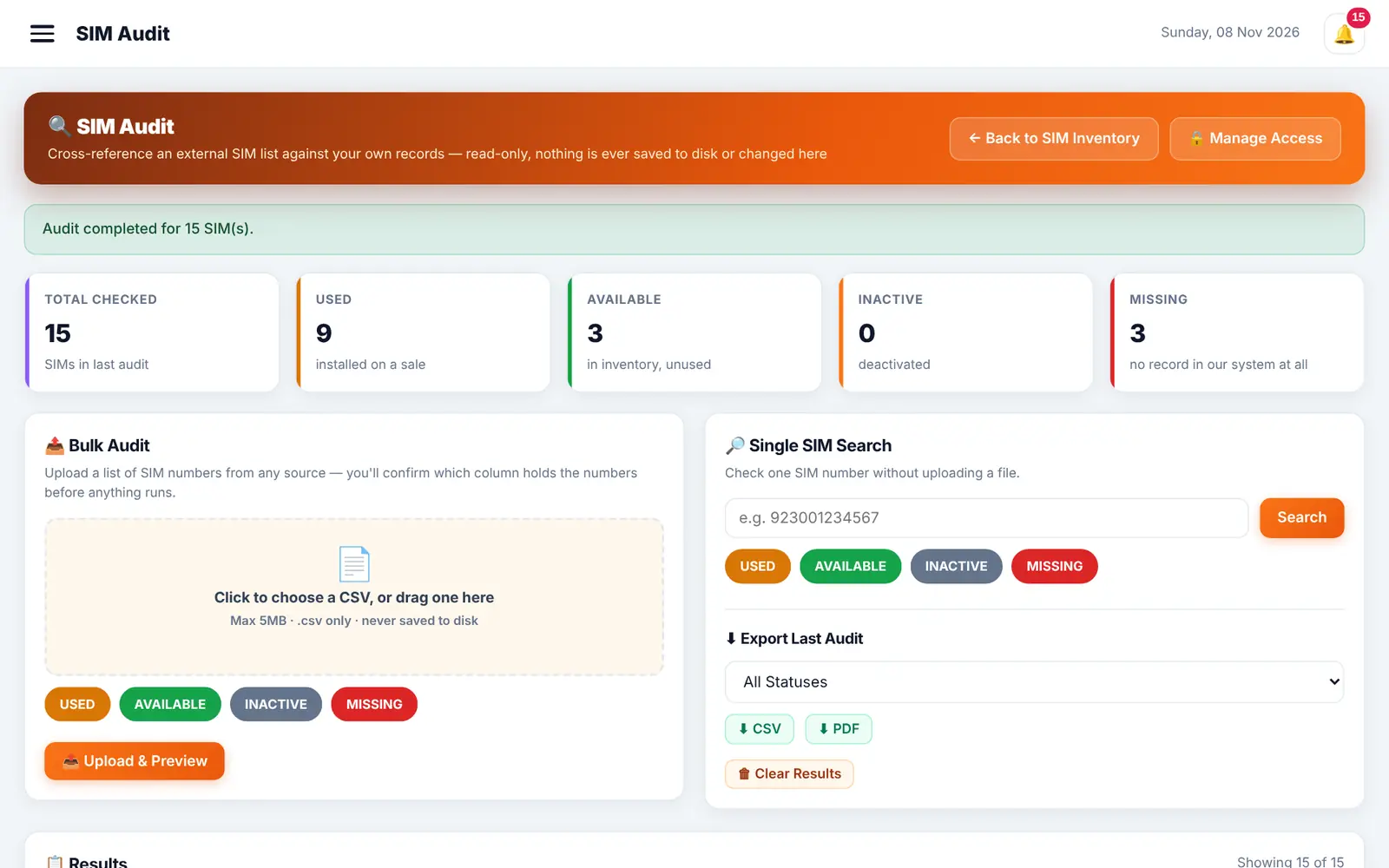
Upload your operator's SIM list. DCRM shows which SIMs are in vehicles, still in stock, switched off, or missing from your records, with the agent and technician for each.
Sales, installations, trackers and SIMs, monthly billing, commissions and payouts, plus a white-label app for your technicians and office staff. Built by One Door Technologies for companies like yours.
Demo login demo / demo1234 on the login page.
Trusted by tracking companies
 4Star Tracker
Coban Trackers
Motor Track
Every rupee, every tracker and every job has one place to live. Here is what changes in the first month.
Monthly invoices make themselves, reminders go by SMS, and advance payments are used up first.
Stock by IMEI, SIM number and batch, held at a station or with a technician. SIM Audit catches what's missing.
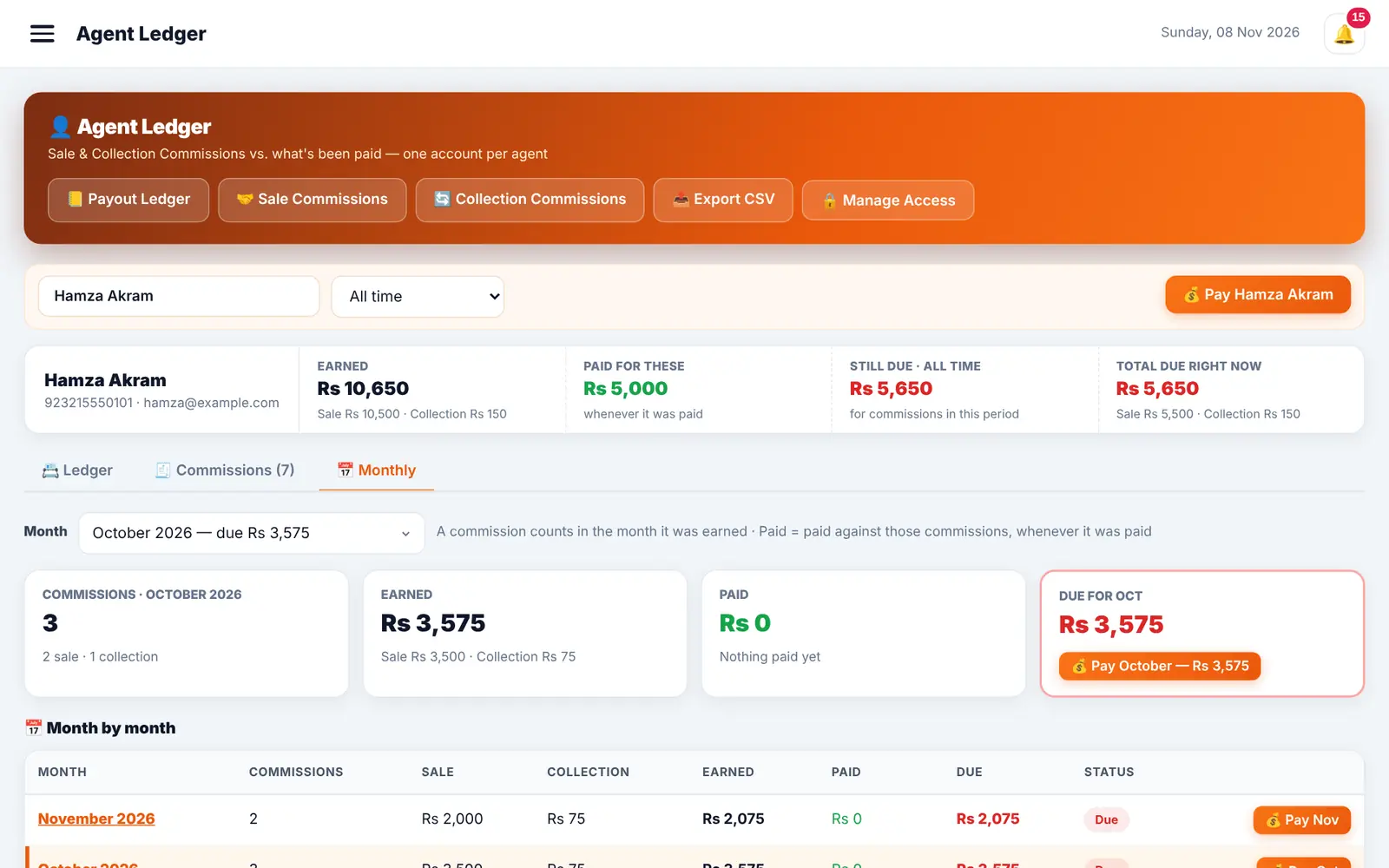
Agents and technicians see what they earned each month. Pay one month in two clicks, and reverse a mistake fully.
Choose who sees what, page by page, on the website and the app. Lock roles to your office, and see every failed login.
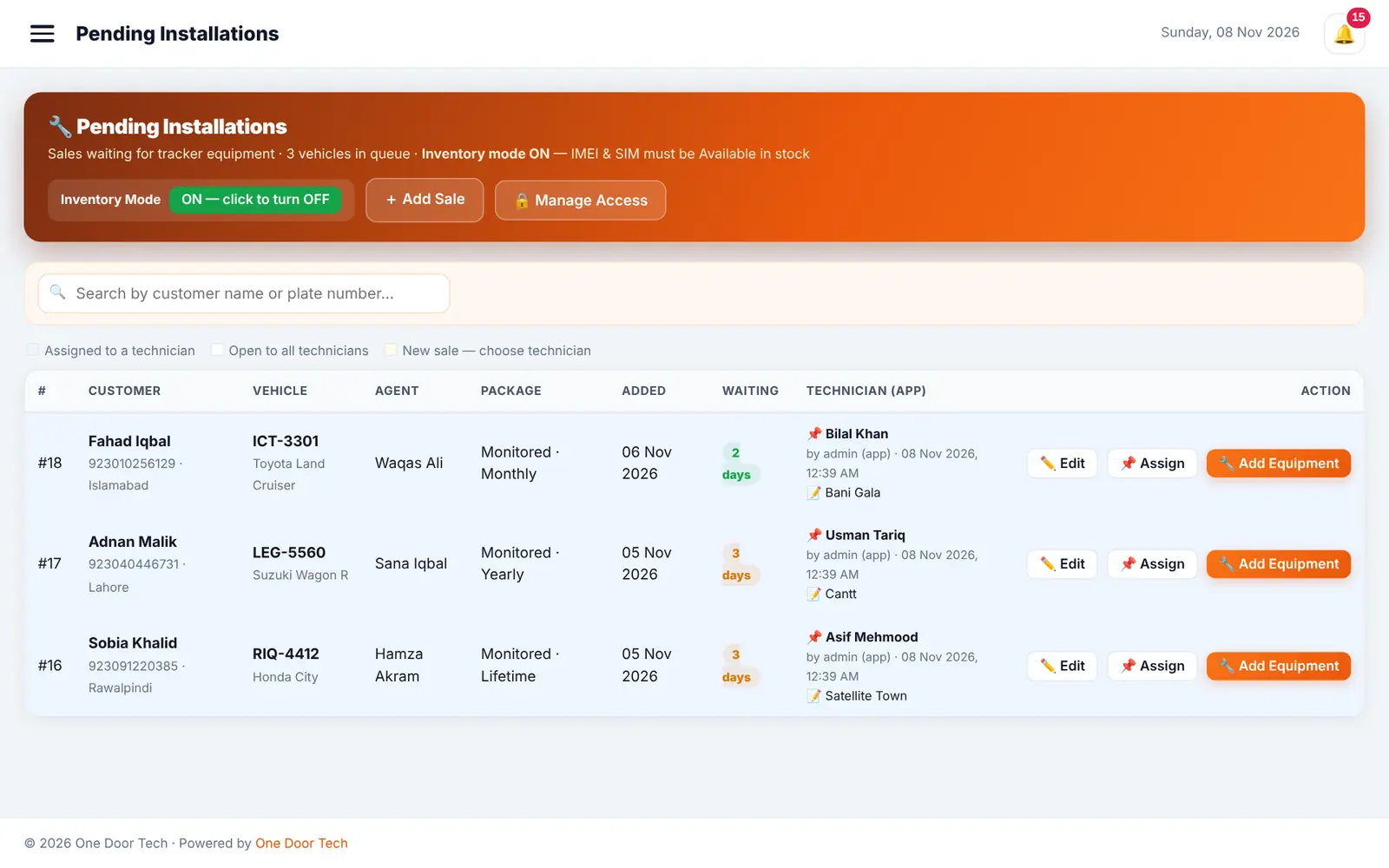
Jobs reach the right phone with a location. Installs come back with IMEI, SIM and a GPS pin. Nobody calls to ask.
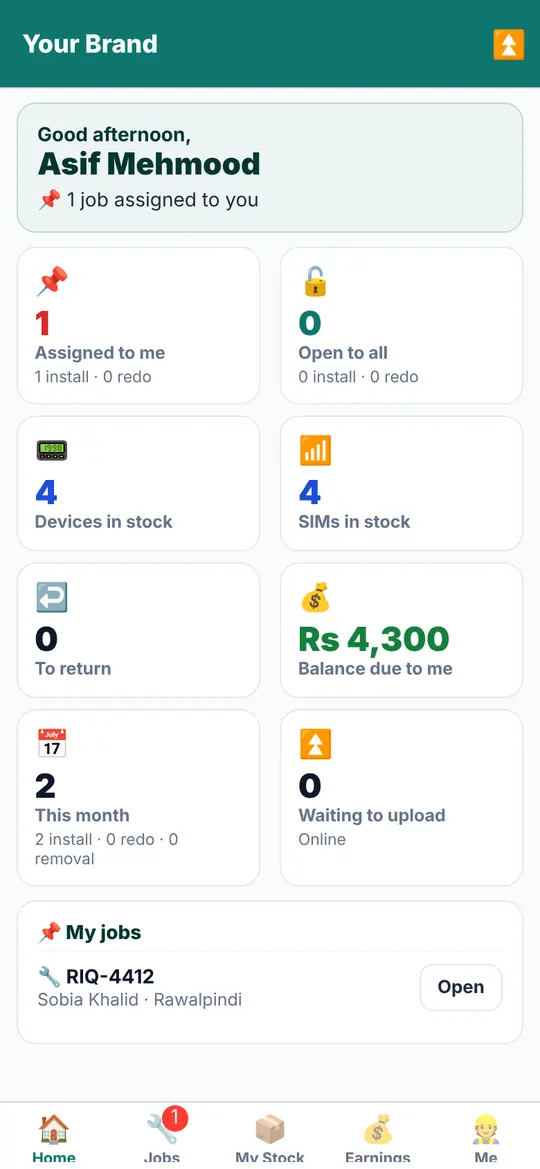
Your name, logo and colour on the CRM, the invoices and the app your team carries.
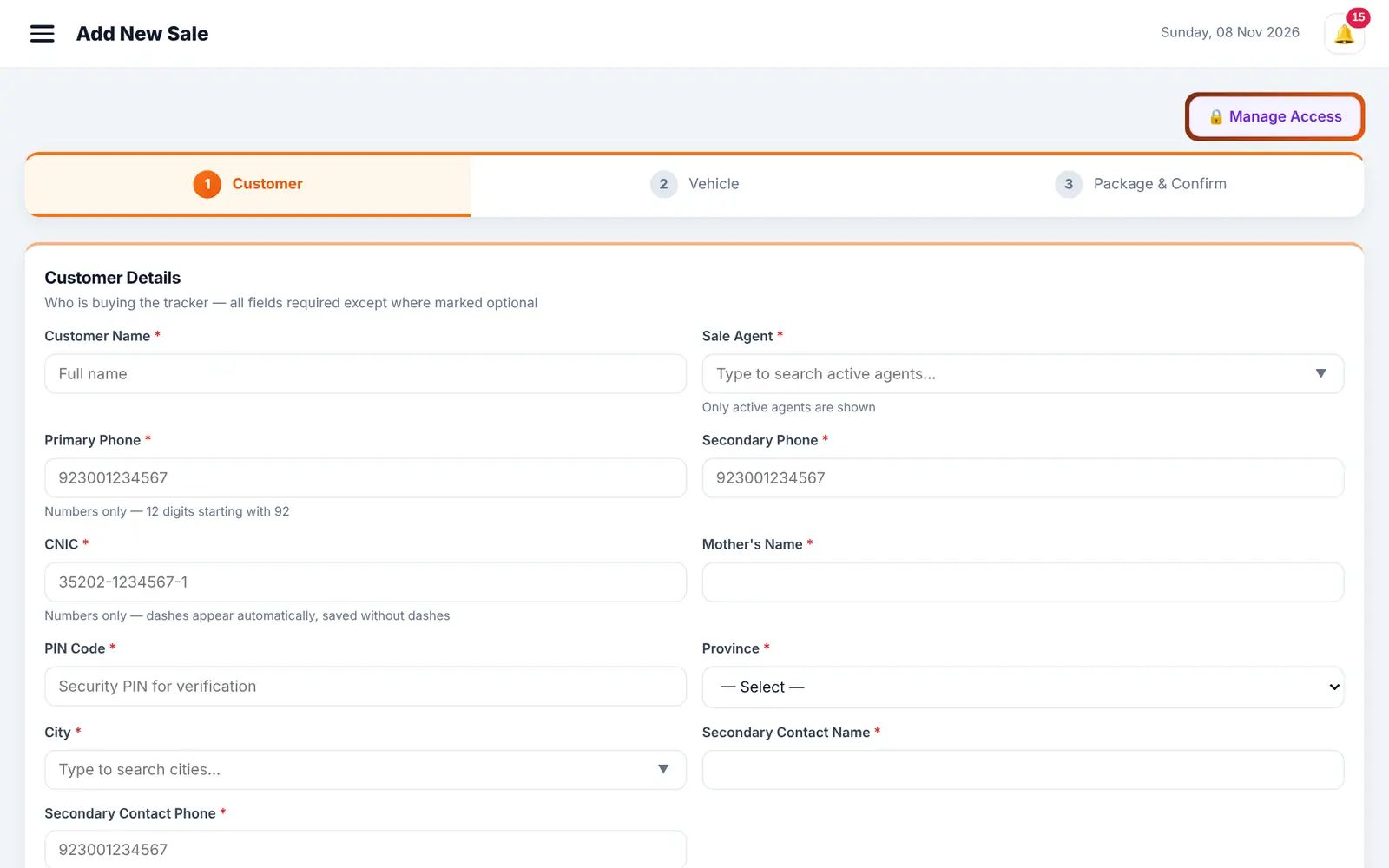
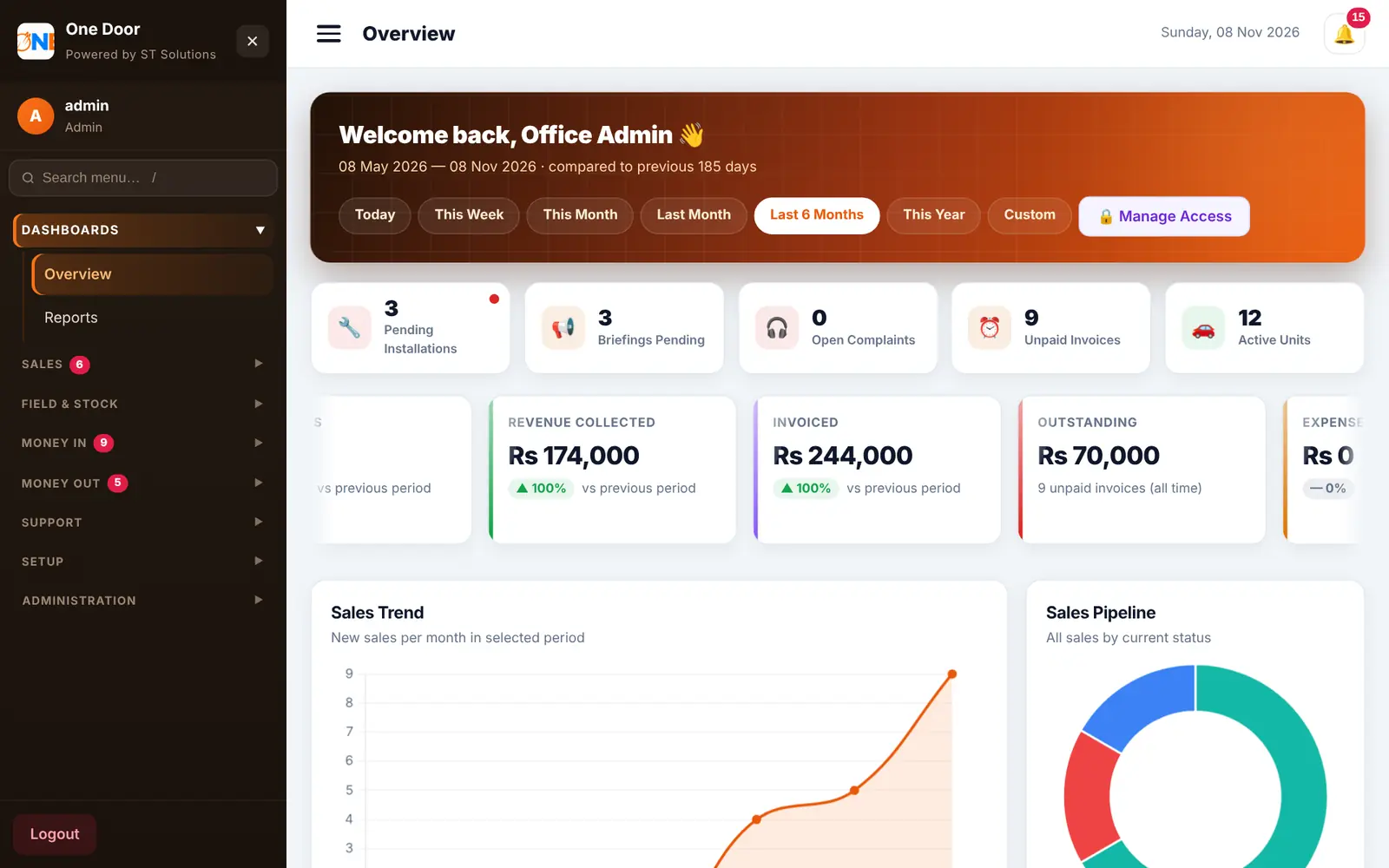
Every picture here is DCRM itself, with demo data.
Upload your operator's SIM list. DCRM shows which SIMs are in vehicles, still in stock, switched off, or missing from your records, with the agent and technician for each.
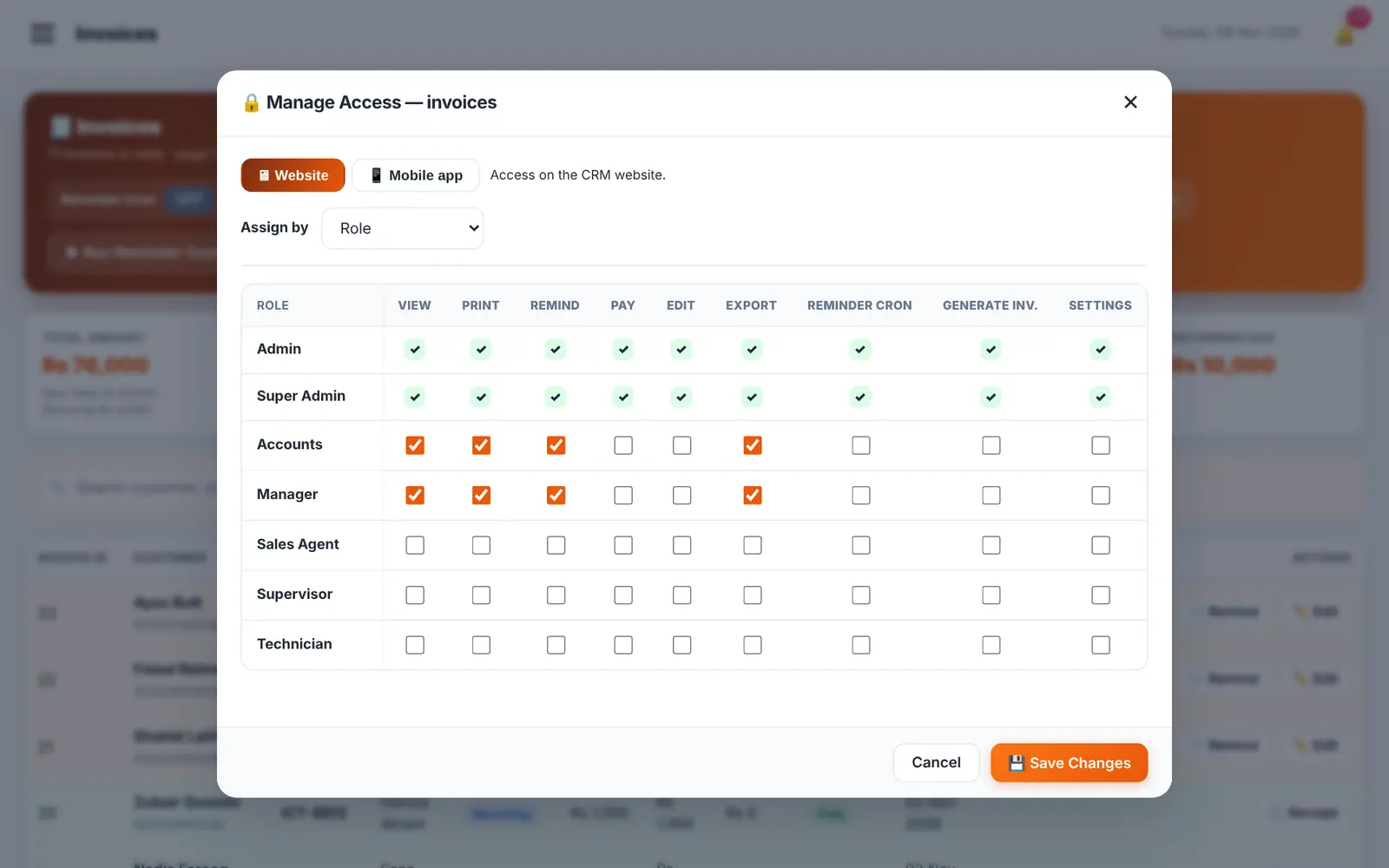
Tick what each role can view, pay, edit or export, separately for the website and the app.
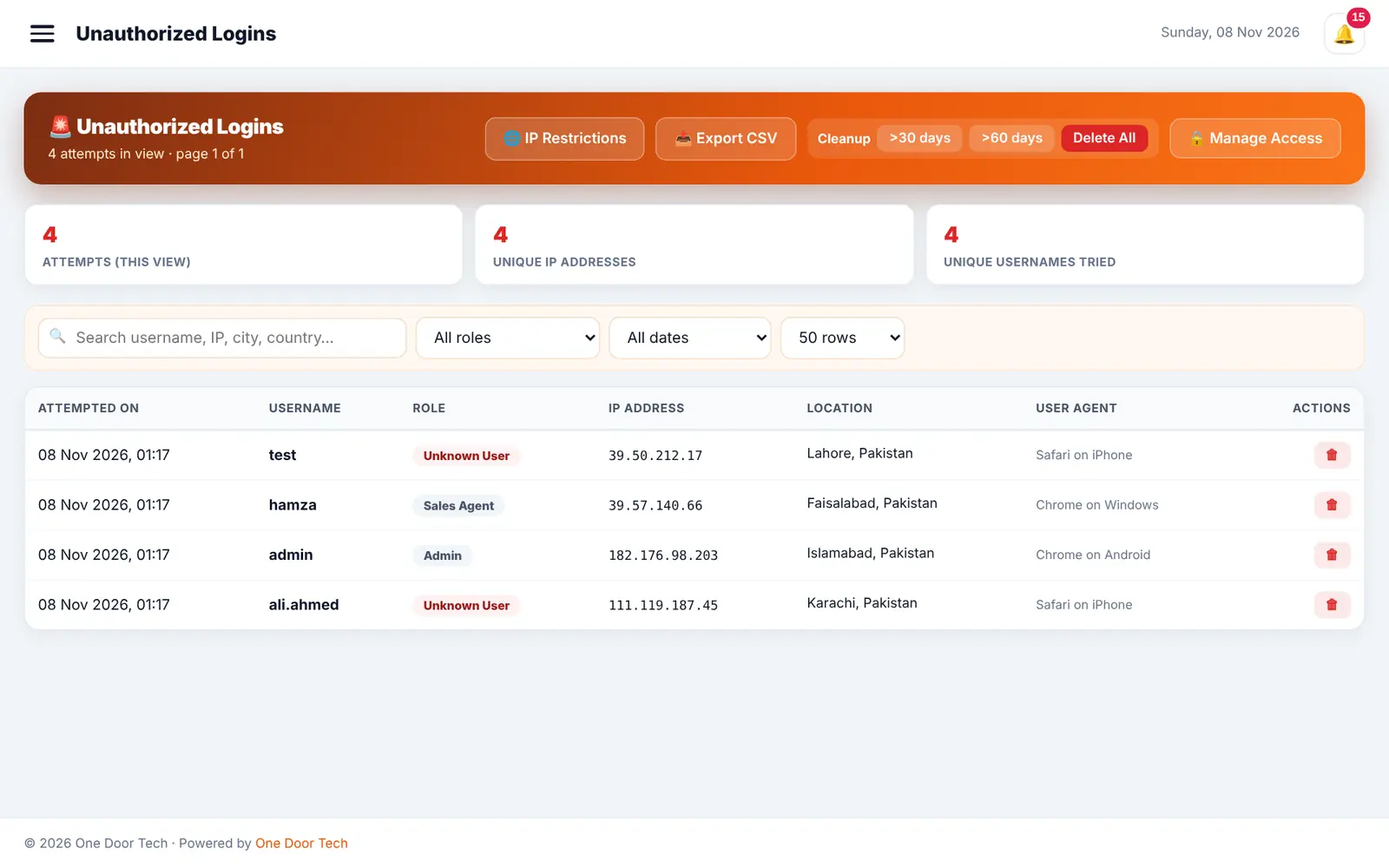
Every wrong password, with the user, IP and city. Lock any role to your office IP.
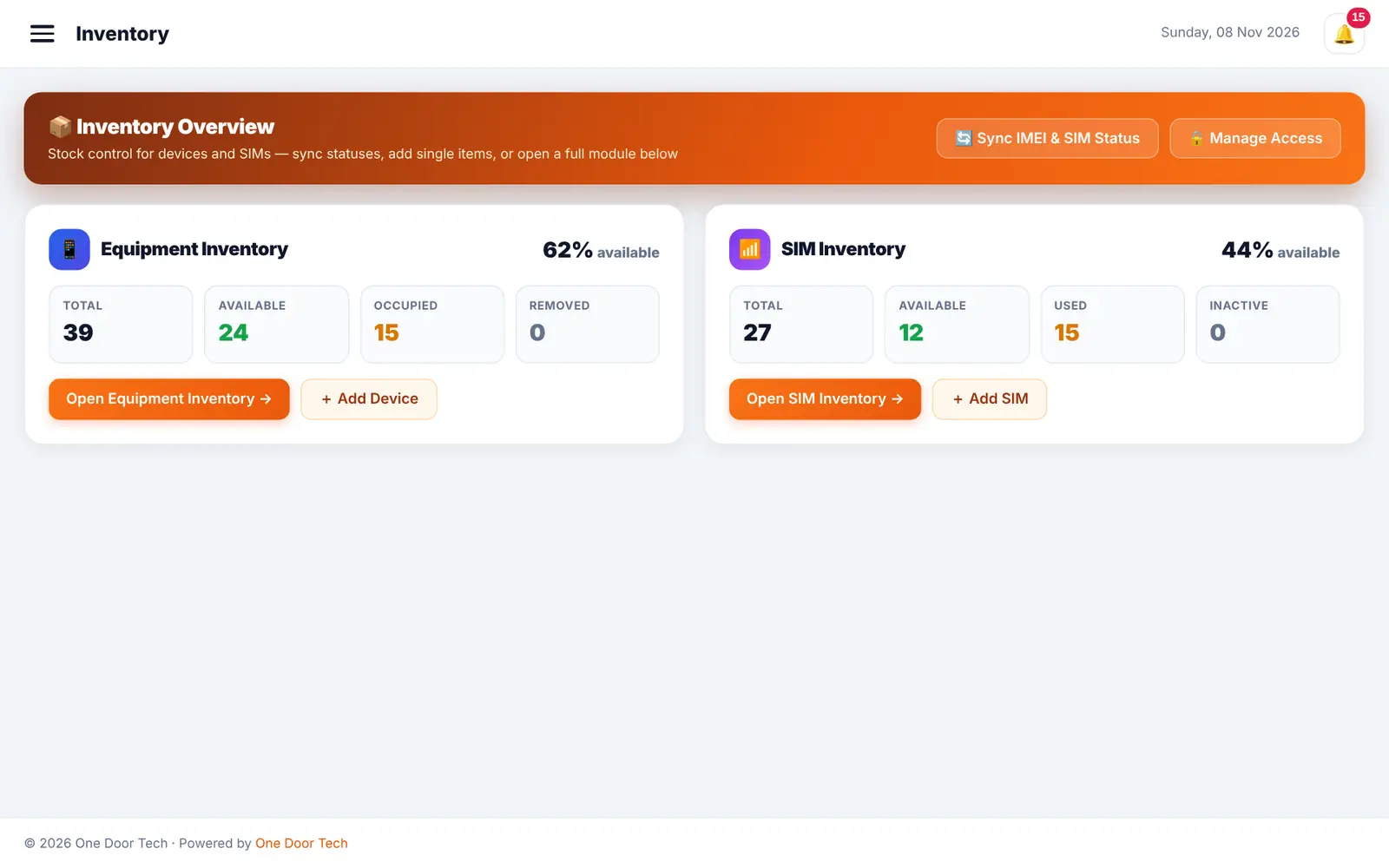
Available, occupied and removed, synced with every sale.
Cash in and out, billing collected, agent and technician performance, against the last period.
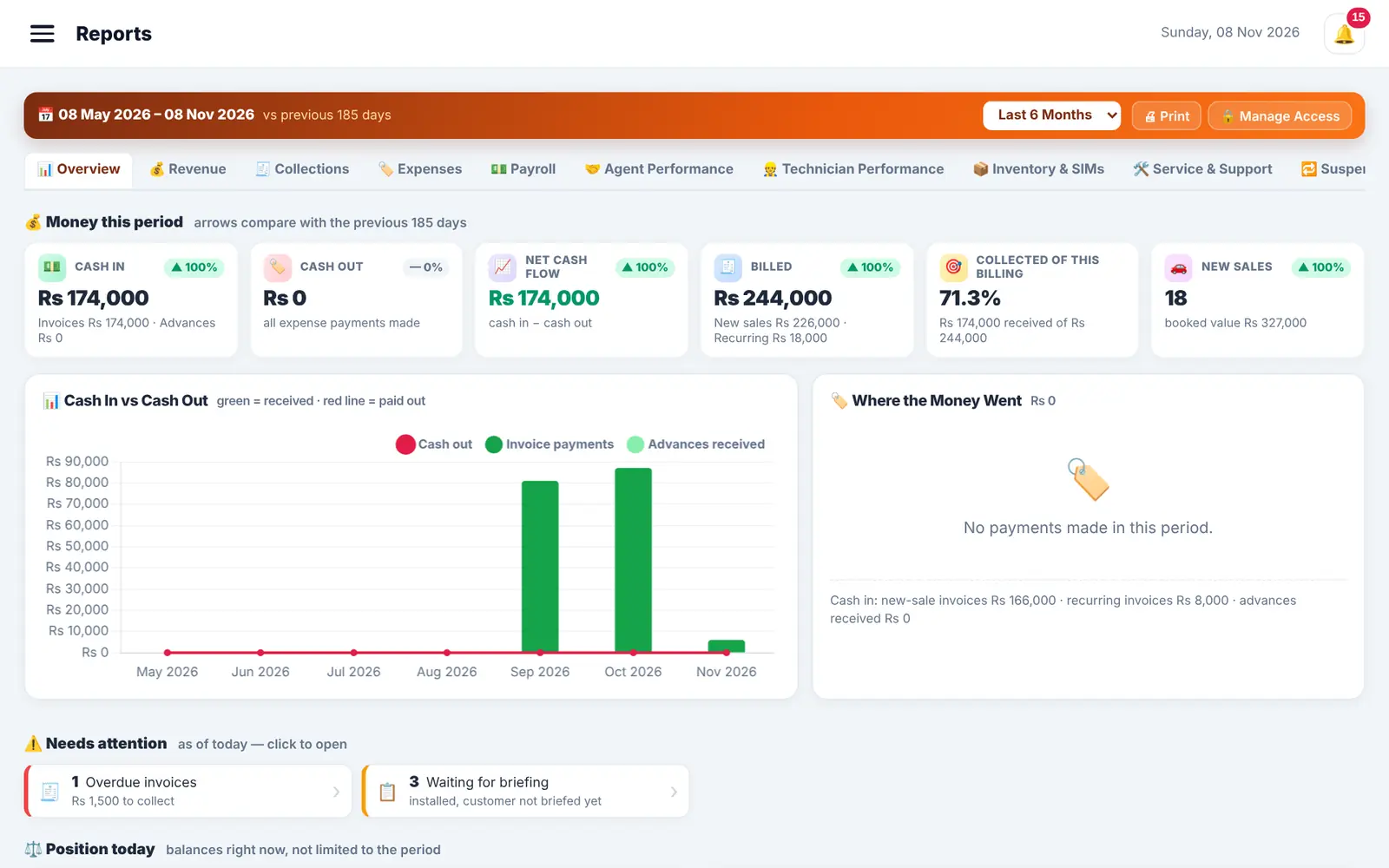
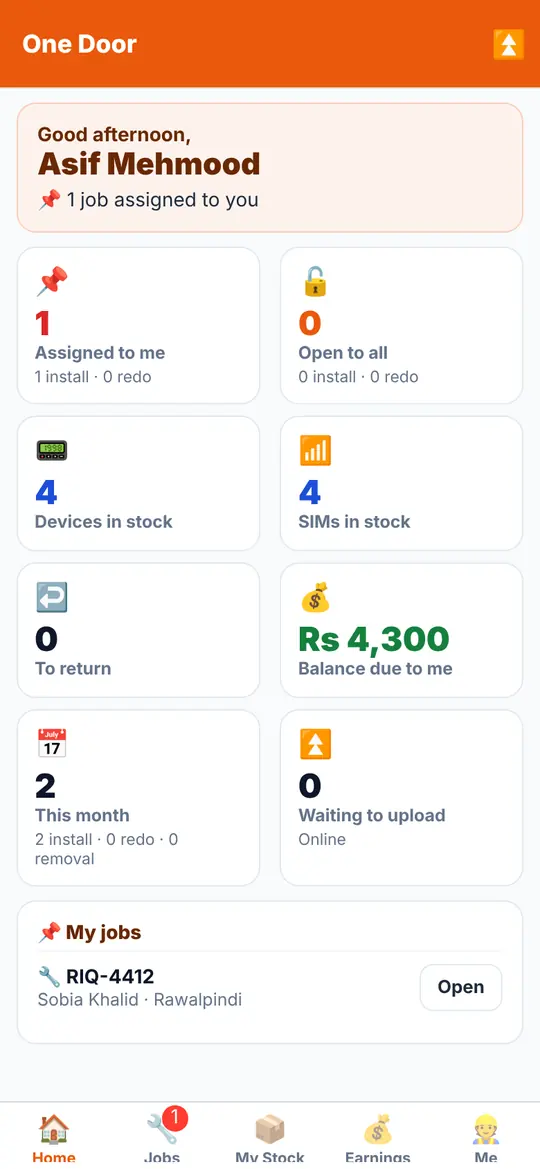
Pick a screen. This is exactly what your team will use.
Technicians get their jobs, stock and earnings. Office staff take payments and pay commissions from the same app. Everything lands in DCRM straight away.
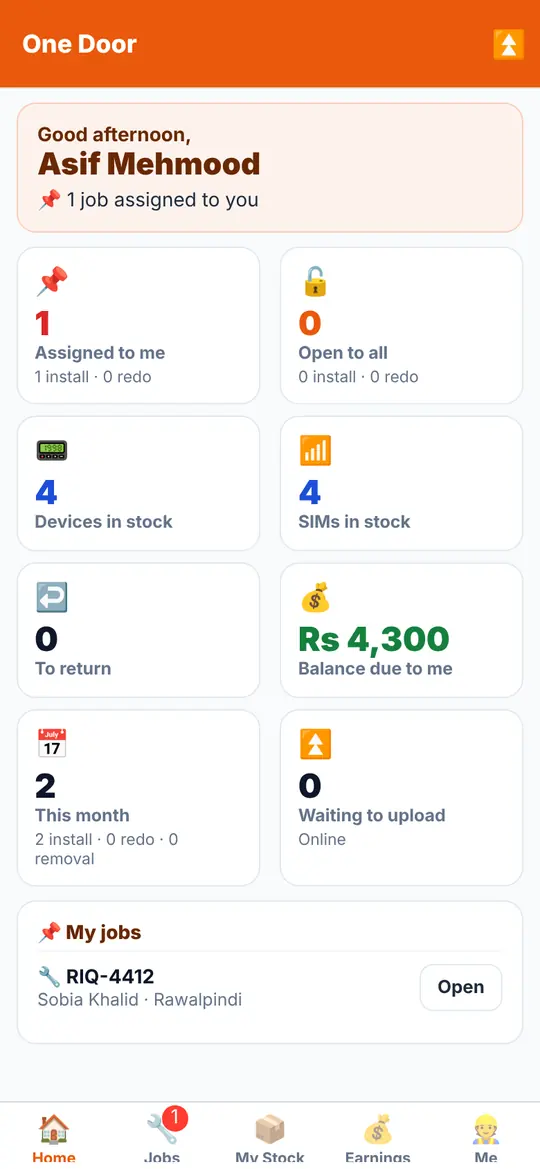
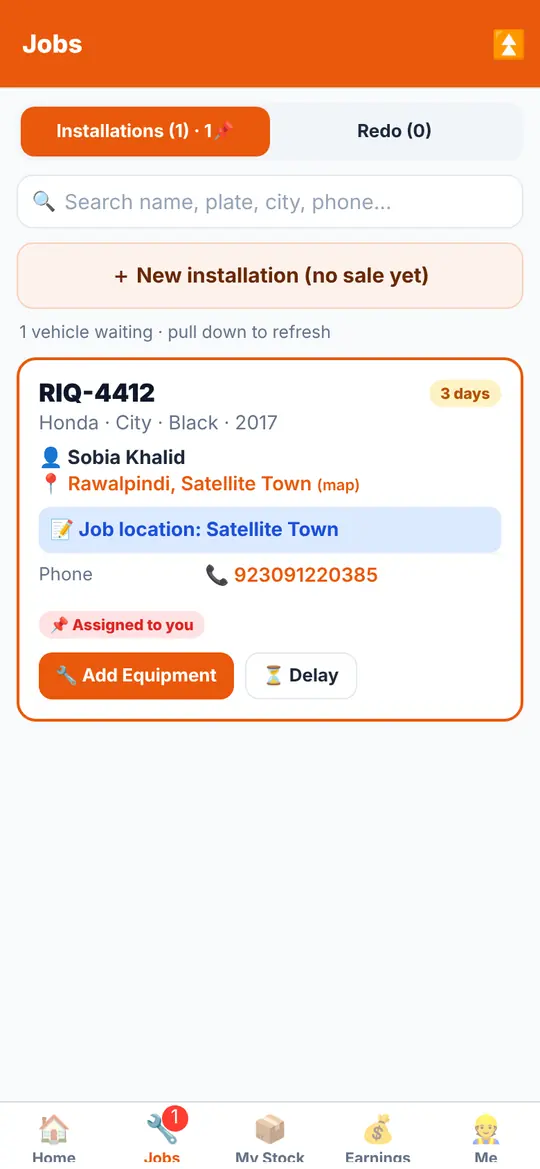
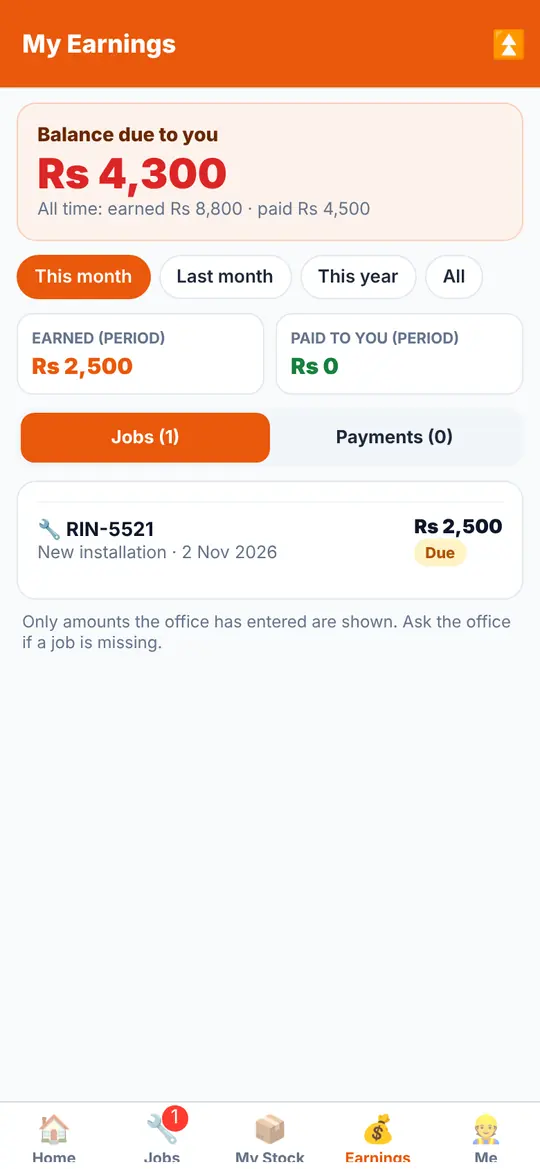
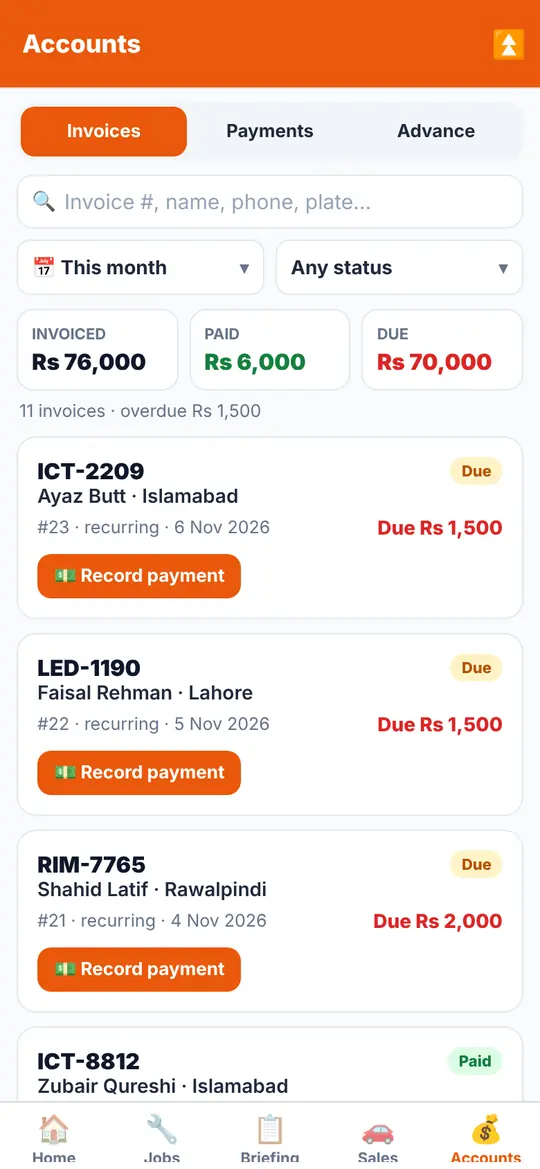
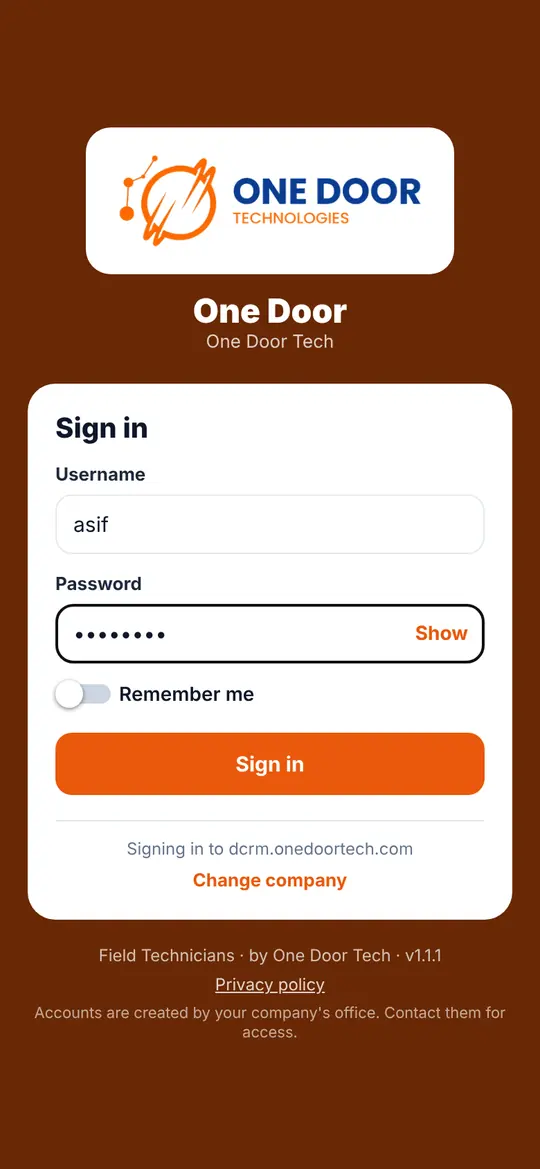
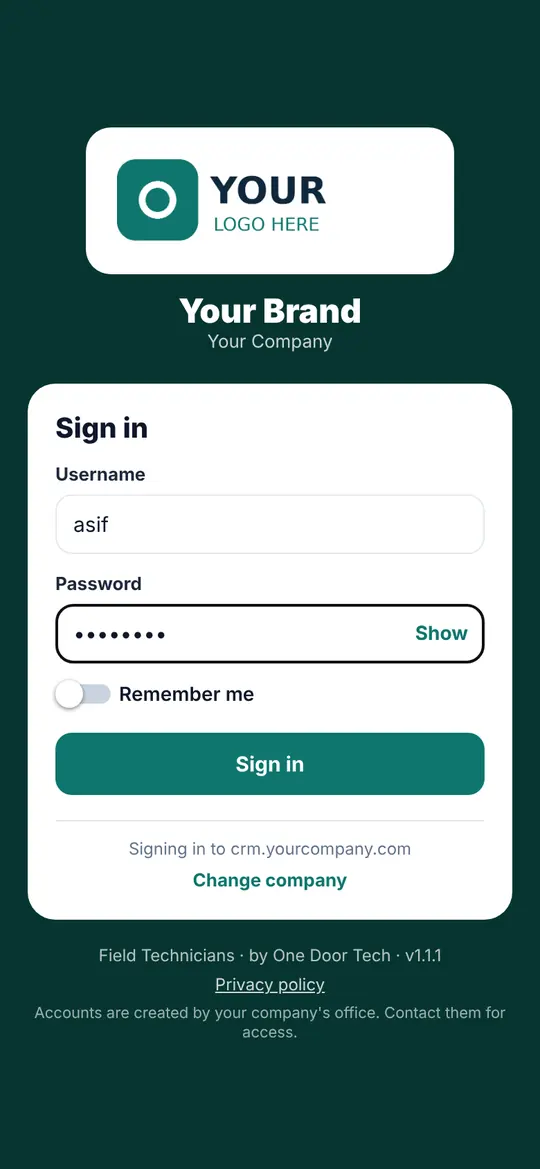
We offer the app white-label, with your branding, for your technicians and office staff. Your company name, logo and colour on the sign-in screen and every page, set from your own DCRM.
Most tracking companies juggle a hardware supplier, a platform vendor and a spreadsheet. We bring all three together, so the device you install, the map your customer opens and the bill you send all come from people who talk to each other.
PTA-approved trackers for vehicles, people and assets, supplied with after-sale support.
Launch your own branded tracking service: web dashboard plus Android and iPhone apps for your customers.
Sales, installations, stock, billing and payouts, with the Field Technicians app for your team.
The same team builds custom software, websites and mobile apps through ST Solutions. Tell us what you need and we'll scope it with you.
Updates reach every company on DCRM. These are the latest.
See what each person earned, was paid and is owed for every month. Pay one month or all oldest first, and fully reverse a wrong payment.
Every list searches by itself while you type, and long dropdowns let you type to find a name.
Technicians and agents are added as employees automatically, so salaries and incentives sit in one place.
Every tracker and SIM belongs to a batch, and stock can be added from the app.
Set each agent's percentage once. The rate on the day an invoice is fully paid is the one used.
Job alerts, IMEI and SIM scanning, a GPS pin for every installation, delay reasons and last-seen locations.
A technician can install first. The office links the sale later and nothing is typed twice.
Find a tracker by IMEI or plate, see its live status and map from your tracking platform, and send commands.
Sales team, operations
Store, operations
Accounts
Accounts, management
Owner, admin
Customer, vehicle, package and agent saved together.
The technician gets the job and its location in the app.
Tracker and SIM come out of his stock. A GPS pin is saved.
Platform login checked, welcome SMS sent.
The first invoice, then one every month, with reminders.
Commissions and installation costs, month by month.
Do these once, in this order, before the first sale. Each step names where to find it in the left menu. We set up the first two with you at handover.
Shown on every screen, on printed invoices and in the app.
Create roles such as Manager, Accounts, Sales Agent and Technician. Then open any page and use Manage Access to switch each action on or off, separately for the website and the app.
Cash, each bank account, JazzCash or Easypaisa. Every rupee in or out is recorded against one of them.
Equipment Cost, Installation Cost, Commission Cost and Salary are created for you. Add your own, such as rent or fuel.
Your offices and stores. Stock is held at a station or with a technician.
Every tracker model you sell, with the commands Device Test can send to it.
Your platform's API address and key, a Google Maps key, and the customer app links that go into SMS messages.
Connect your SMS or WhatsApp provider (one for customer messages, one for call-centre messages), use Test Send, then write your briefing, reminder and receipt messages.
Add each agent, then set their collection percentage.
Add each technician. A technician can also be a sales agent. They use the app, not the website.
One login per person, with a role. Link a sales agent's login to their agent record so they can be limited to their own sales.
Allow a role to log in only from your office internet. Leave empty for no limit.
Add trackers and SIMs by batch, one at a time or many at once, then transfer them to stations or technicians.
The reasons technicians choose from when a job is late, and how long notifications are kept.
Bring in the sales you already have. Good rows import straight away; rows with a problem come back as a file that says what to fix.
How DCRM handles the everyday work.
No answer matches that yet. Ask us on WhatsApp at +92-332-6633667.
We work only with registered companies. Pay monthly with every update included, or buy a one-time license. Hosting is not included: DCRM runs on your own hosting or server.
Send your company details and we'll show DCRM on a test database set up like your business.